Buy payza.eu ?
We are moving the project
payza.eu .
Are you interested in purchasing the domain
payza.eu ?
domain@kv-gmbh.de · 0541-91531010
Buy payza.eu ?
Is an online payment secure?
Online payments can be secure if proper security measures are in place. This includes using secure websites with encryption, using trusted payment processors, and being cautious with sharing personal and financial information. It's important to look for the "https" in the website URL and a lock symbol in the address bar to ensure the website is secure. Additionally, using strong and unique passwords for online accounts can also help enhance security. **
What is wrong with BIOS and secure boot?
The main issue with BIOS and secure boot is that they can potentially limit the user's ability to customize and modify their system. Secure boot, for example, can prevent the installation of alternative operating systems or software that is not digitally signed by a trusted authority. This can be seen as a limitation on user freedom and control over their own devices. Additionally, there have been concerns about the potential for secure boot to be used as a tool for locking users into specific hardware or software ecosystems, limiting competition and innovation in the industry. **


Similar search terms for Bios
Top-Angebote
Products related to Bios:
-
Uplifted Finds Online Digital EC Meter Water Quality Tester Electrical Conductivity Monitor For Filtration Systems & Pools Online Digital EC Meter Water Quality Tester Electrical Conductivity Monitor For Filtration Systems & PoolsEnsure optimal water purity, filter performance, and chemical balance with this Online Digital Electrical Conductivity (EC) Water Quality Tester. Engineered for continuous realtime monitoring, this highprecision inline monitor measures electrical...210,97 $*Shipping: 0,00 $Secure redirect to the provider
-
Grand Theft Auto V: Premium Online Edition Rockstar Digital Download CD Key GlobalGrand Theft Auto V: Premium Online Edition CD Key (PC / Global) Experience Rockstar Games' critically acclaimed open-world masterpiece with Grand Theft Auto V: Premium Online Edition . This definitive package includes the complete Grand Theft Auto V story experience, free access to the ever-evolving Grand Theft Auto Online, and all existing gameplay upgrades and content. As a massive bonus for new players, it features the Criminal Enterprise Starter Pack , the fastest way to jumpstart your criminal empire in GTA Online with $1,000,000 bonus cash and over $10,000,000 in total value of properties, businesses, weapons, and vehicles. Key Features & Included Content The Complete Story Experience: Explore the sprawling, interconnected lives of Franklin, Michael, and Trevor across the massive sun-drenched metropolis of Los Angeles and Blaine County. Grand Theft Auto Online: Rise through the ranks of the criminal underworld alongside millions of players in a dynamic, continuously updated online multiplayer world. Criminal Enterprise Starter Pack: Instantly acquire high-value assets including a Maze Bank West Executive Office, a Paleto Forest Gunrunning Bunker, a fleet of high-performance vehicles, and tactical weapons. Global Digital CD Key: Activate your game seamlessly from anywhere in the world on the official Rockstar Games Launcher platform without any regional restrictions.18,01 £*Shipping: 0,00 £Secure redirect to the provider
-
Value Selection 1400W Pull Out Heat Press Machine 15x15 Digital Shirt Transfer Press 1400W Pull Out Heat Press Machine 15x15 Digital Shirt Transfer PressThis 15x15 heat press machine offers efficient heat transfers for customized craft projects and small business applications. Equipped with precise digital temperature control, it allows you to easily customize time and temperature settings to match...569,97 $*Shipping: 0,00 $Secure redirect to the provider
-
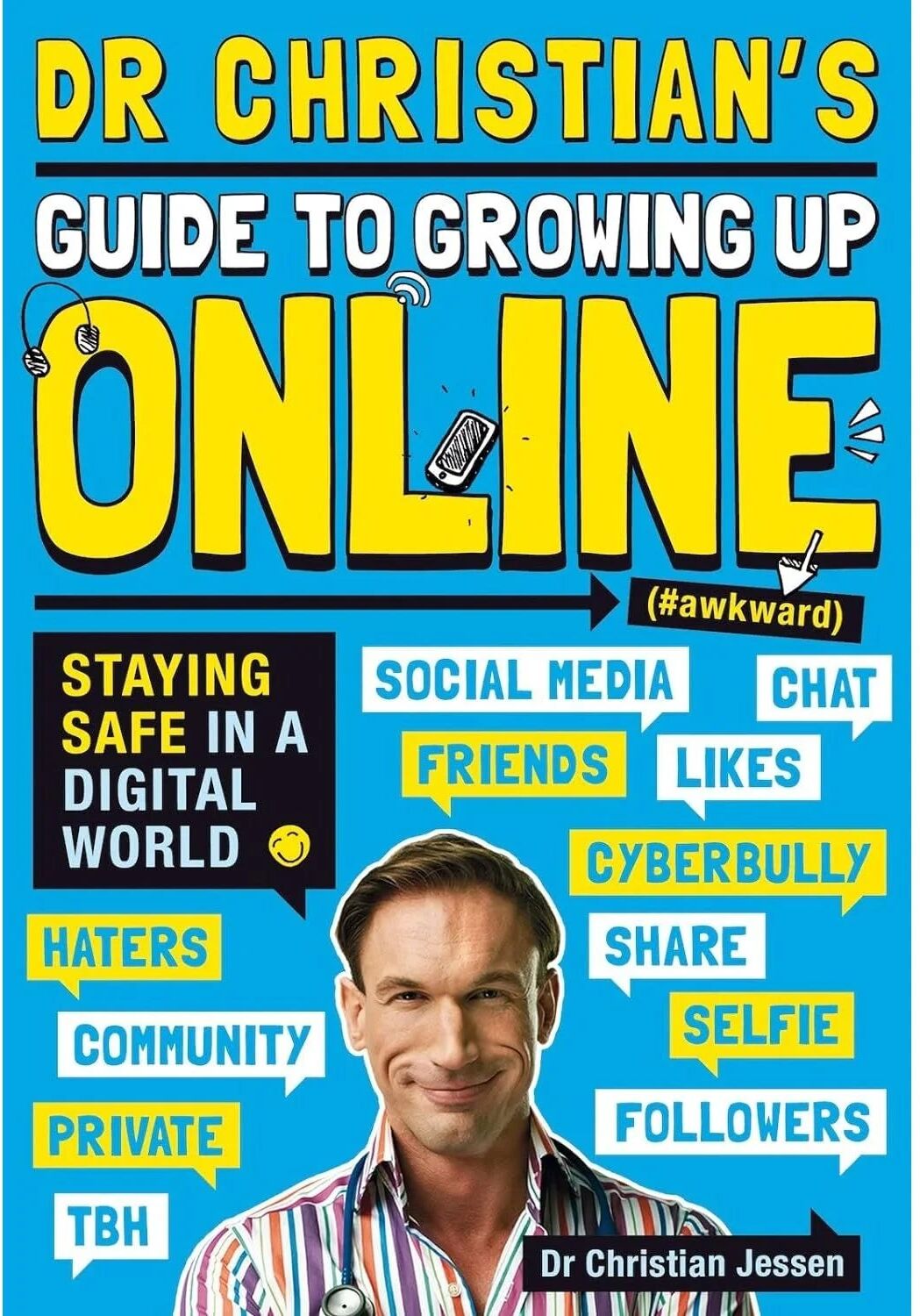
Scholastic Dr Christian's Guide to Growing Up Online (Hashtag: Awkward) by Dr Christian Jessen - Paperback - Ages 10-14 - Online Safety & Digital Life GuideDr Christian's Guide to Growing Up Online (Hashtag: Awkward) is a candid and reassuring survival guide for young people navigating life on their phones and screens. Written by TV doctor Christian Jessen, it tackles the questions tweens and teens are often too embarrassed to ask aloud, from cyberbullying and online grooming to digital footprints and social media anxiety. The tone is warm, funny, and non-judgmental, making a sensitive subject feel approachable rather than preachy. This guide meets the challenge of growing up in a constantly online world head-on, answering real questions from real young people about living a life that is constantly online. Topics include cyberbullying, online grooming, digital footprints, and social media anxiety. The book is a shared starting point for honest conversation about staying safe online, suitable for young readers and their parents alike.6,99 £*Shipping: 2,99 £Secure redirect to the provider


-
Does the BIOS keep opening after secure boot?
No, the BIOS does not keep opening after secure boot. Secure boot is a feature that ensures the integrity of the operating system during the boot process by only allowing digitally signed software to run. Once the secure boot process is completed, the BIOS hands over control to the operating system and does not continue to open. **
-
How do I activate Secure Boot in the BIOS?
To activate Secure Boot in the BIOS, you need to access the BIOS settings by restarting your computer and pressing a specific key (usually Del, F2, F10, or Esc) during the boot process. Once in the BIOS settings, navigate to the Security or Boot tab and look for an option related to Secure Boot. Enable Secure Boot by selecting the option and saving the changes before exiting the BIOS. Keep in mind that the exact steps may vary depending on your computer's manufacturer and BIOS version. **
-
Can secure boot not be activated in the BIOS?
Yes, secure boot can be deactivated in the BIOS settings of a computer. Secure boot is a feature that helps prevent unauthorized operating systems and malware from loading during the boot process. However, it can be turned off in the BIOS settings if needed, for example, to allow the installation of a non-secure operating system or to troubleshoot boot issues. It's important to note that deactivating secure boot may leave the system more vulnerable to certain types of attacks, so it should be done with caution and with an understanding of the potential security implications. **
-
Can secure boot not be enabled in the BIOS?
Yes, it is possible for secure boot to not be enabled in the BIOS. Secure boot is a feature that can be toggled on or off in the BIOS settings of a computer. If secure boot is not enabled, the system will not verify the digital signature of the operating system during the boot process, potentially leaving the system vulnerable to malware or unauthorized software. It is recommended to enable secure boot to enhance the security of the system. **


How do I disable secure boot in the BIOS?
To disable secure boot in the BIOS, you will need to access the BIOS settings by restarting your computer and pressing a specific key (such as F2, F10, or Del) during the boot process. Once in the BIOS settings, navigate to the "Security" or "Boot" tab and look for an option related to secure boot. Select the option to disable secure boot, and then save and exit the BIOS settings. Keep in mind that the exact steps may vary depending on your computer's manufacturer and model, so it's a good idea to refer to the user manual or the manufacturer's website for specific instructions. **
'Why is Secure Boot not showing up in my BIOS?'
There could be several reasons why Secure Boot is not showing up in your BIOS. One possibility is that your computer's hardware does not support Secure Boot. Another reason could be that Secure Boot is already enabled by default and therefore does not need to be manually enabled in the BIOS. Additionally, some older BIOS versions may not have the option to enable Secure Boot. It's also possible that the BIOS settings are locked by the manufacturer, preventing you from accessing or modifying certain features such as Secure Boot. If you are unsure, it's best to consult your computer's documentation or the manufacturer's support for further assistance. **
Top-Angebote
Products related to Bios:
-
Uplift Essentials Digital Online Water PH Quality Monitor Digital Online Water PH Quality MonitorKeep continuous, realtime track of your water's chemical balance with this digital online pH monitor. Engineered for continuous 247 monitoring, this highprecision testing system features a durable, detachable BNCconnector pH probe that remains...134,97 $*Shipping: 0,00 $Secure redirect to the provider
-
Inspire Curations Online Digital EC TDS Water Quality Monitor trm1 Tds MonitorMonitor water conditions conveniently with this digital EC TDS meter, designed for continuous online waterquality testing. The LCD display provides clear readings for conductivity and dissolved solids, helping users check water conditions without...235,50 $*Shipping: 0,00 $Secure redirect to the provider
-
Uplifted Finds Online Digital EC Meter Water Quality Tester Electrical Conductivity Monitor For Filtration Systems & Pools Online Digital EC Meter Water Quality Tester Electrical Conductivity Monitor For Filtration Systems & PoolsEnsure optimal water purity, filter performance, and chemical balance with this Online Digital Electrical Conductivity (EC) Water Quality Tester. Engineered for continuous realtime monitoring, this highprecision inline monitor measures electrical...210,97 $*Shipping: 0,00 $Secure redirect to the provider
-
Grand Theft Auto V: Premium Online Edition Rockstar Digital Download CD Key GlobalGrand Theft Auto V: Premium Online Edition CD Key (PC / Global) Experience Rockstar Games' critically acclaimed open-world masterpiece with Grand Theft Auto V: Premium Online Edition . This definitive package includes the complete Grand Theft Auto V story experience, free access to the ever-evolving Grand Theft Auto Online, and all existing gameplay upgrades and content. As a massive bonus for new players, it features the Criminal Enterprise Starter Pack , the fastest way to jumpstart your criminal empire in GTA Online with $1,000,000 bonus cash and over $10,000,000 in total value of properties, businesses, weapons, and vehicles. Key Features & Included Content The Complete Story Experience: Explore the sprawling, interconnected lives of Franklin, Michael, and Trevor across the massive sun-drenched metropolis of Los Angeles and Blaine County. Grand Theft Auto Online: Rise through the ranks of the criminal underworld alongside millions of players in a dynamic, continuously updated online multiplayer world. Criminal Enterprise Starter Pack: Instantly acquire high-value assets including a Maze Bank West Executive Office, a Paleto Forest Gunrunning Bunker, a fleet of high-performance vehicles, and tactical weapons. Global Digital CD Key: Activate your game seamlessly from anywhere in the world on the official Rockstar Games Launcher platform without any regional restrictions.18,01 £*Shipping: 0,00 £Secure redirect to the provider
-
Is an online payment secure?
Online payments can be secure if proper security measures are in place. This includes using secure websites with encryption, using trusted payment processors, and being cautious with sharing personal and financial information. It's important to look for the "https" in the website URL and a lock symbol in the address bar to ensure the website is secure. Additionally, using strong and unique passwords for online accounts can also help enhance security. **
-
What is wrong with BIOS and secure boot?
The main issue with BIOS and secure boot is that they can potentially limit the user's ability to customize and modify their system. Secure boot, for example, can prevent the installation of alternative operating systems or software that is not digitally signed by a trusted authority. This can be seen as a limitation on user freedom and control over their own devices. Additionally, there have been concerns about the potential for secure boot to be used as a tool for locking users into specific hardware or software ecosystems, limiting competition and innovation in the industry. **
-
Does the BIOS keep opening after secure boot?
No, the BIOS does not keep opening after secure boot. Secure boot is a feature that ensures the integrity of the operating system during the boot process by only allowing digitally signed software to run. Once the secure boot process is completed, the BIOS hands over control to the operating system and does not continue to open. **
-
How do I activate Secure Boot in the BIOS?
To activate Secure Boot in the BIOS, you need to access the BIOS settings by restarting your computer and pressing a specific key (usually Del, F2, F10, or Esc) during the boot process. Once in the BIOS settings, navigate to the Security or Boot tab and look for an option related to Secure Boot. Enable Secure Boot by selecting the option and saving the changes before exiting the BIOS. Keep in mind that the exact steps may vary depending on your computer's manufacturer and BIOS version. **
Similar search terms for Bios
-
Value Selection 1400W Pull Out Heat Press Machine 15x15 Digital Shirt Transfer Press 1400W Pull Out Heat Press Machine 15x15 Digital Shirt Transfer PressThis 15x15 heat press machine offers efficient heat transfers for customized craft projects and small business applications. Equipped with precise digital temperature control, it allows you to easily customize time and temperature settings to match...569,97 $*Shipping: 0,00 $Secure redirect to the provider
-
Scholastic Dr Christian's Guide to Growing Up Online (Hashtag: Awkward) by Dr Christian Jessen - Paperback - Ages 10-14 - Online Safety & Digital Life GuideDr Christian's Guide to Growing Up Online (Hashtag: Awkward) is a candid and reassuring survival guide for young people navigating life on their phones and screens. Written by TV doctor Christian Jessen, it tackles the questions tweens and teens are often too embarrassed to ask aloud, from cyberbullying and online grooming to digital footprints and social media anxiety. The tone is warm, funny, and non-judgmental, making a sensitive subject feel approachable rather than preachy. This guide meets the challenge of growing up in a constantly online world head-on, answering real questions from real young people about living a life that is constantly online. Topics include cyberbullying, online grooming, digital footprints, and social media anxiety. The book is a shared starting point for honest conversation about staying safe online, suitable for young readers and their parents alike.6,99 £*Shipping: 2,99 £Secure redirect to the provider
-
Tools, Home & Hobby 12x10 Inch T Shirt Heat Press Machine Digital Sublimation Transfer Press 12x10 Inch T Shirt Heat Press Machine Digital Sublimation Transfer PressCreate professionalquality designs with ease using this reliable t shirt heat press machine built for creators, small businesses, and DIY enthusiasts. Designed for smooth heat transfer on apparel and flat items, it delivers consistent results with...197,97 $*Shipping: 0,00 $Secure redirect to the provider
-
All Categories Goods Heavy Duty Oil Meter Gun With Digital Meter For Oil Dispensing And Transfer Heavy Duty Oil Meter Gun With Digital Meter For Oil Dispensing And TransferGet cleaner, more controlled fluid handling without the guesswork. This oil dispensing gun is designed for mechanics, workshops, garages, and maintenance teams that need accurate flow visibility while transferring oil and light fuel. The builtin...179,97 $*Shipping: 0,00 $Secure redirect to the provider
-
Can secure boot not be activated in the BIOS?
Yes, secure boot can be deactivated in the BIOS settings of a computer. Secure boot is a feature that helps prevent unauthorized operating systems and malware from loading during the boot process. However, it can be turned off in the BIOS settings if needed, for example, to allow the installation of a non-secure operating system or to troubleshoot boot issues. It's important to note that deactivating secure boot may leave the system more vulnerable to certain types of attacks, so it should be done with caution and with an understanding of the potential security implications. **
-
Can secure boot not be enabled in the BIOS?
Yes, it is possible for secure boot to not be enabled in the BIOS. Secure boot is a feature that can be toggled on or off in the BIOS settings of a computer. If secure boot is not enabled, the system will not verify the digital signature of the operating system during the boot process, potentially leaving the system vulnerable to malware or unauthorized software. It is recommended to enable secure boot to enhance the security of the system. **
-
How do I disable secure boot in the BIOS?
To disable secure boot in the BIOS, you will need to access the BIOS settings by restarting your computer and pressing a specific key (such as F2, F10, or Del) during the boot process. Once in the BIOS settings, navigate to the "Security" or "Boot" tab and look for an option related to secure boot. Select the option to disable secure boot, and then save and exit the BIOS settings. Keep in mind that the exact steps may vary depending on your computer's manufacturer and model, so it's a good idea to refer to the user manual or the manufacturer's website for specific instructions. **
-
'Why is Secure Boot not showing up in my BIOS?'
There could be several reasons why Secure Boot is not showing up in your BIOS. One possibility is that your computer's hardware does not support Secure Boot. Another reason could be that Secure Boot is already enabled by default and therefore does not need to be manually enabled in the BIOS. Additionally, some older BIOS versions may not have the option to enable Secure Boot. It's also possible that the BIOS settings are locked by the manufacturer, preventing you from accessing or modifying certain features such as Secure Boot. If you are unsure, it's best to consult your computer's documentation or the manufacturer's support for further assistance. **
* All prices are inclusive of VAT and, if applicable, plus shipping costs. The offer information is based on the details provided by the respective shop and is updated through automated processes. Real-time updates do not occur, so deviations can occur in individual cases. ** Note: Parts of this content were created by AI.